 Reelm TV
Films and series, made for the remote.
Reelm TV is a player for Android TV. It finds a title, plays it with the television's own decoders, and stays out of the way while it does.
Version 0.4.0 · 9 MB · Android 7 or later · updates itself
What it does
-
Everything by remote
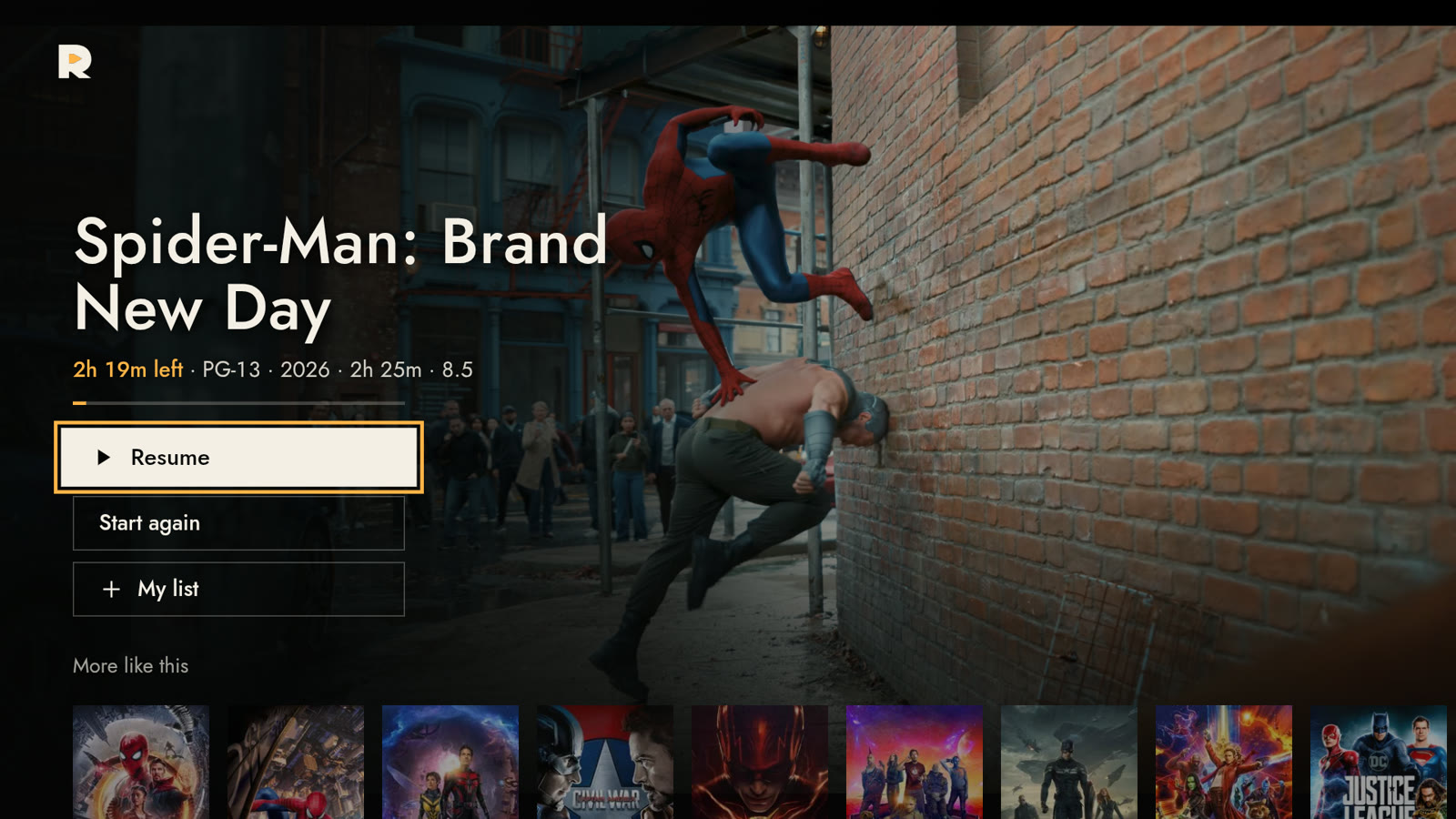
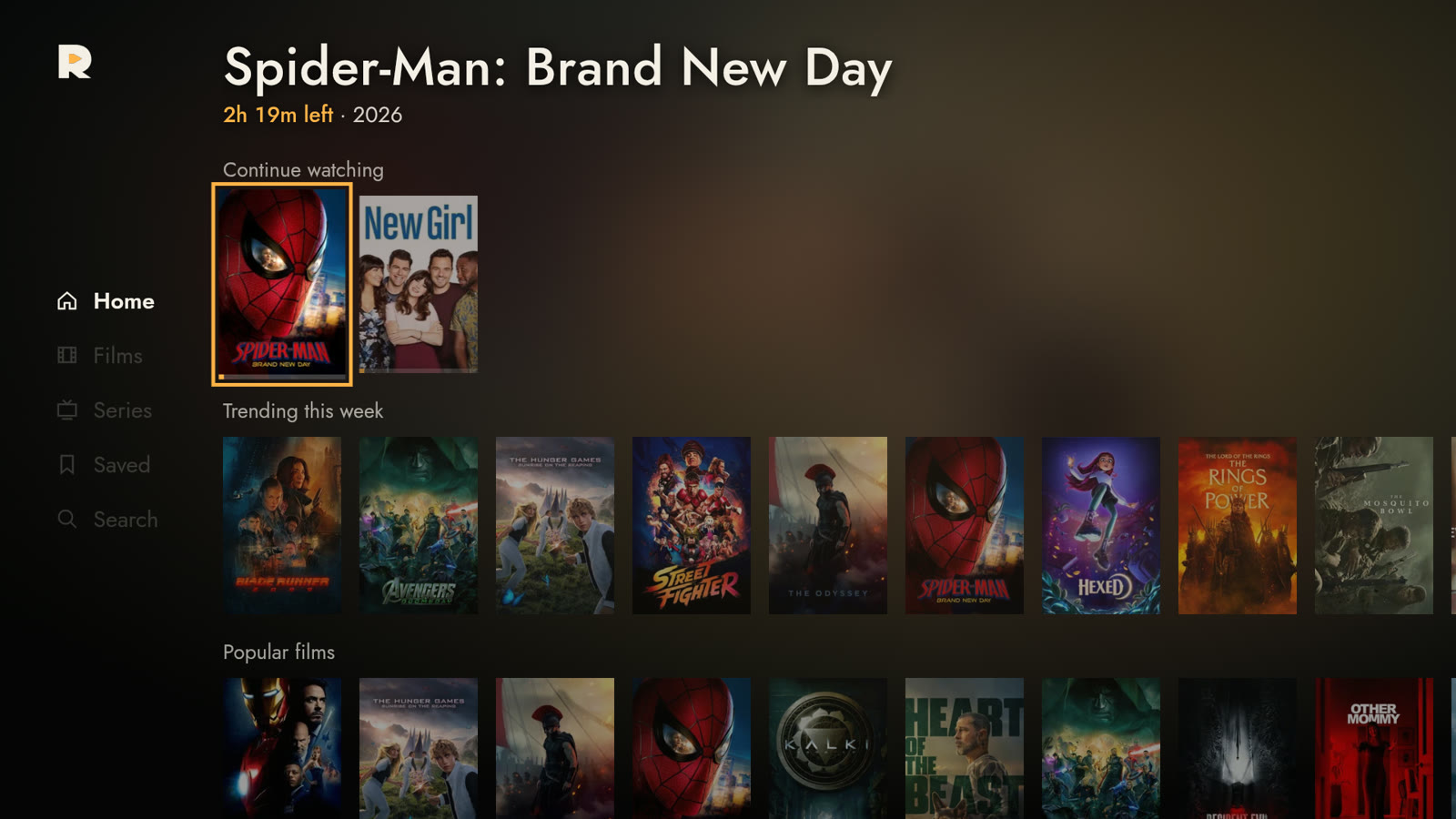
One highlight, moved with the D-pad. No pointer, no keyboard to pair, and Back always has an answer.
-
Picks up where you left it
Open a title you have started and it is already playing from your place. Leave the player and the page waits on the frame you left.
-
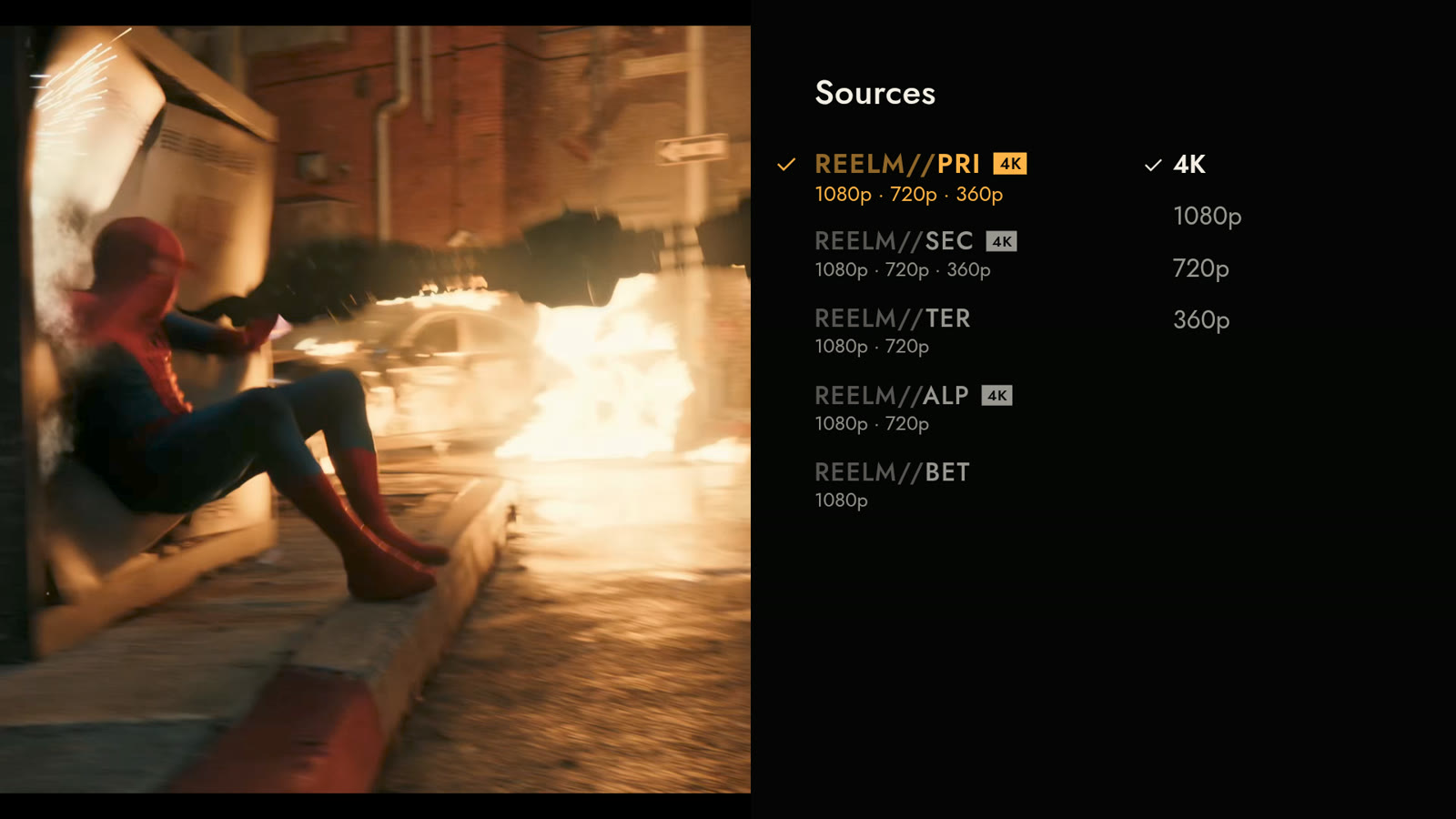
Sources and qualities, side by side
Each source a title can play from is listed with what it offers, up to 4K. Choose one, or let the app take the first that has it.
-
Subtitles by language
Pick a language, then the version that fits your copy. Size and timing can be set while the film plays.
-
The television's own player
Films are decoded by the set, not by a web page, so 4K and surround sound play as the television plays anything else.
-
No ads, and it keeps itself current
Nothing plays before or over a film. A new version is fetched and installed when the app starts.
Putting it on a television
- On the television, open a browser or the Downloader app and go to
tv.azeez.app/apk. The APK downloads. - Open it. The television asks once whether that app may install others; allow it, then choose Install.
- Start Reelm TV and sign in with Google. It plays from your own FebBox account, so it asks for that sign-in and nothing else.